Softwares
We reviewed 14 top Avoma alternatives, comparing features, pricing, and performance to reveal the #1 choice for sales teams in 2026.

Sales leadership expert with 10+ years in B2B training and team development
13 Min
Disclaimer: The features, pricing, and details mentioned for each product are current as of March 2026 and may have changed since then.
We evaluated 15 of the best Avoma alternatives—comparing features, pricing, and performance—to reveal the top recommendation for sales teams in 2026.
Ready? Let's go.
TL;DR: Avoma Alternatives at a Glance
| # | Tool | Best For | Key Advantage | Payment Model |
|---|---|---|---|---|
| 1 | Kendo AI Recommended | Active skill building & AI roleplay | Trains reps before live calls; ultra-realistic AI prospects with live objections | Public pricing; Pro plan at $55/mo |
| 2 | Gong | Enterprise revenue intelligence | Analyzes 300+ signals for unbiased forecasting; deep deal-level risk alerts | Custom enterprise quotes; annual contracts |
| 3 | Fathom | Individuals needing free recording | Instant AI summaries (30s); unlimited recording on free tier | Free; paid plans from $19/user/mo |
| 4 | Fireflies.ai | Multi-language transcription | Supports 100+ languages; vast ecosystem of 40+ platform integrations | Free; Pro plans from $18/user/mo |
| 5 | tl;dv | Video clip sharing & async collab | Unlimited free recording; easy "bite-sized" clip creation for stakeholders | Free; Pro plans from $29/user/mo |
| 6 | Chorus | ZoomInfo ecosystem users | Combines call insights with real-time B2B firmographic data | Custom; typically bundled with ZoomInfo |
| 7 | Clari Copilot | Live "in-call" coaching prompts | Real-time battlecards and monologue alerts during active calls | Custom quote required; tiered pricing |
| 8 | MeetGeek | Automated meeting documentation | Auto-template application for different meeting types (HR, Sales, etc.) | Free; paid plans from $15.99/user/mo |
| 9 | Circleback | Privacy-conscious, botless recording | No visible bot; offers agentic search across entire meeting history | Starts at $25/mo (no free plan) |
| 10 | Otter.ai | Basic baseline transcription | Real-time live captions and automated slide capture during presentations | Free (300 min/mo); paid from $16.99/mo |
| 11 | Grain | Deep HubSpot/Salesforce sync | Automatically updates CRM properties and creates tasks from notes | Free; Starter plans from $19/user/mo |
| 12 | Fellow | Meeting governance & productivity | Focuses on agendas and meeting culture/health metrics | Free; paid plans from $7/user/mo |
| 13 | Demodesk | Structured coaching scorecards | Pre-filled AI scorecards using MEDDIC/BANT; EMEA-optimized | Free; Coaching & AI plan at $59/mo |
| 14 | Sembly AI | Document & artifact generation | Drafts proposals and contracts directly from call transcripts | Free trial; plans start at $17/mo |
What's "Wrong" with Avoma?
Don't get us wrong—Avoma is a capable AI meeting assistant with useful features like call recording, transcription, coaching scorecards, and CRM syncing. If coaching depth is the reason you are shopping, it is also worth reviewing the call-intelligence tools teams compare when Jiminny is on the shortlist. However, after analyzing reviews and user feedback, several recurring limitations are hard to ignore:
Frequent Bot Reliability Gaps — Users report bots joining late, dropping mid-call, or failing to appear entirely, forcing a return to manual note-taking.
Persistent Attribution Errors — The AI often struggles with speaker identification and accuracy in noisy environments, frequently misattributing statements in the final transcript.
Costly Modular Pricing — While the base plan is affordable, essential features like Revenue Intelligence ($39/seat) and Conversation Intelligence ($29/seat) cause costs to climb fast.
Inflexible Annual Contracts — Strict seat minimums and long-term commitments make it difficult for teams to scale down or renegotiate when usage drops.
Delayed Post-Call Processing — Insights and CRM syncing can take over 60 minutes to finalize, creating a bottleneck for reps who need immediate data for the next lead.
Cluttered User Interface — The platform is often described as busy or slow, leading to a steeper learning curve compared to simpler, more agile alternatives.
Sales-Heavy Niche Focus — Optimization for frameworks like MEDDIC or BANT makes the tool feel overbuilt and less intuitive for non-sales teams like HR or Engineering.
Lack of Real-Time Coaching — The software functions primarily as a post-call review tool rather than providing live, in-meeting guidance for objection handling.
1) Kendo - The #1 Avoma Alternative for Sales Teams Right Now
Look, we're not going to pretend we don't have a horse in this race—you're literally on our website. But we think once you see what Kendo does differently, you'll get why we're confident enough to put ourselves at the top.
While Avoma focuses on documenting what happened after a call, Kendo focuses on making reps better before, during, and after every conversation. Built specifically for sales teams by sales professionals, Kendo delivers human-like AI roleplay training that never breaks character—so your reps build real skill instead of just reviewing transcripts.
Kendo vs. Avoma: Key Differences
| Feature | Kendo AI | Avoma |
|---|---|---|
| AI Roleplay | Core: Ultra-realistic AI prospects with live objections for training. | Not Available: Focuses on recording and analyzing live human meetings. |
| Training Approach | Active Practice: Interactive drills to prepare reps before they go live. | Passive Coaching: AI reviews past call recordings for post-call feedback. |
| Call Scoring | Included: Automated AI scoring and coaching in Pro plan ($55). | Add-on: Requires Conversation Intelligence module ($35/mo). |
| Custom Scorecards | Built-in for every sales stage and methodology. | Available only with the CI module or higher-tier plans. |
| Pricing Transparency | Public: Pro plan is $55/month per seat with no hidden fees. | Modular: Base plans ($29-$39) + individual add-ons for coaching. |
| AI Sales Manager | Interactive: Ask natural language questions about team data and trends. | Dashboards: Standard analytics for talk-time and keyword tracking. |
| Setup Complexity | Self-service: Quick setup; reps can start training immediately. | Configuration: Requires CRM, calendar, and dialer integrations. |
| Minimum Seats | No minimum: Starts at 1 user; built for individuals to enterprise. | Variable: Some advanced features/tiers require a 10-seat minimum. |
Kendo's edge? Reps get better before they touch a live lead. While Avoma and every other tool on this list waits for a call to happen and then reviews it, Kendo lets reps practice against realistic AI buyers who push back with real objections—so fewer leads get wasted during ramp-up.
"A week after we got Kendo setup our sales doubled. Can't recommend them enough"

Key Features:
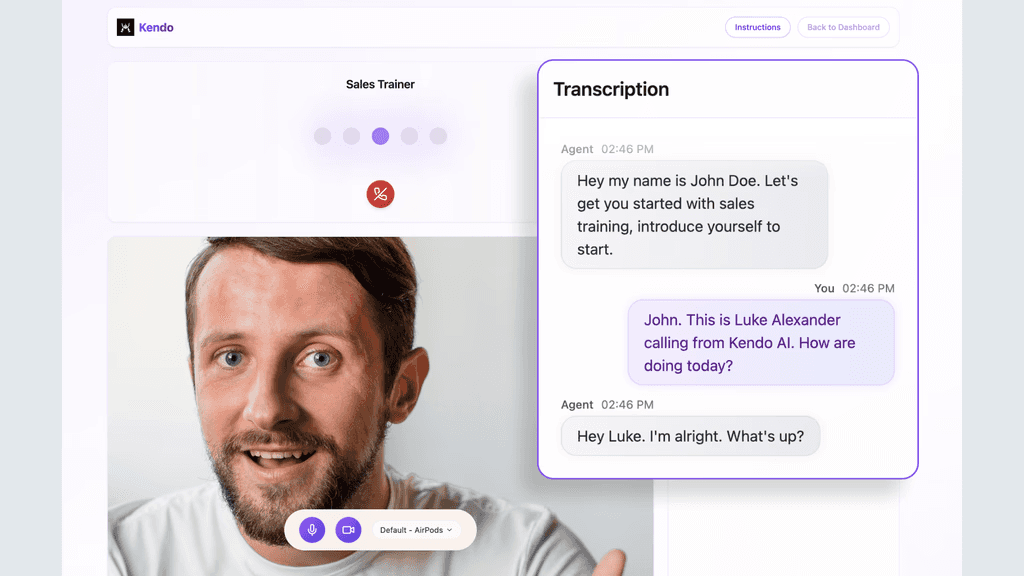
Live AI Roleplay – Practice without risking actual deals. Reps interact with AI buyers that respond authentically and raise real objections, creating sessions that feel practical instead of scripted. This is something no conversation intelligence tool offers.
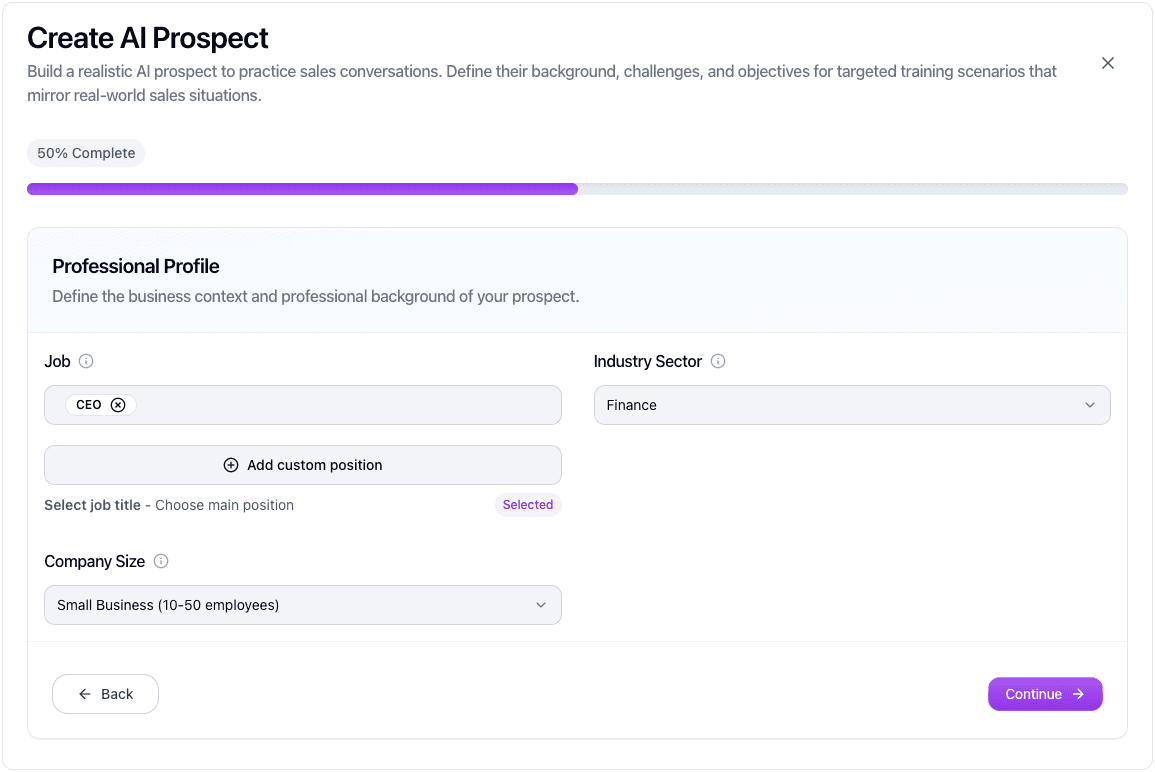
Custom Prospect Builder – Run calls with the same buyer profiles your reps target. Choose titles up to CEO, define industries and company size, and select from five multilingual voice styles ranging from casual to professional.
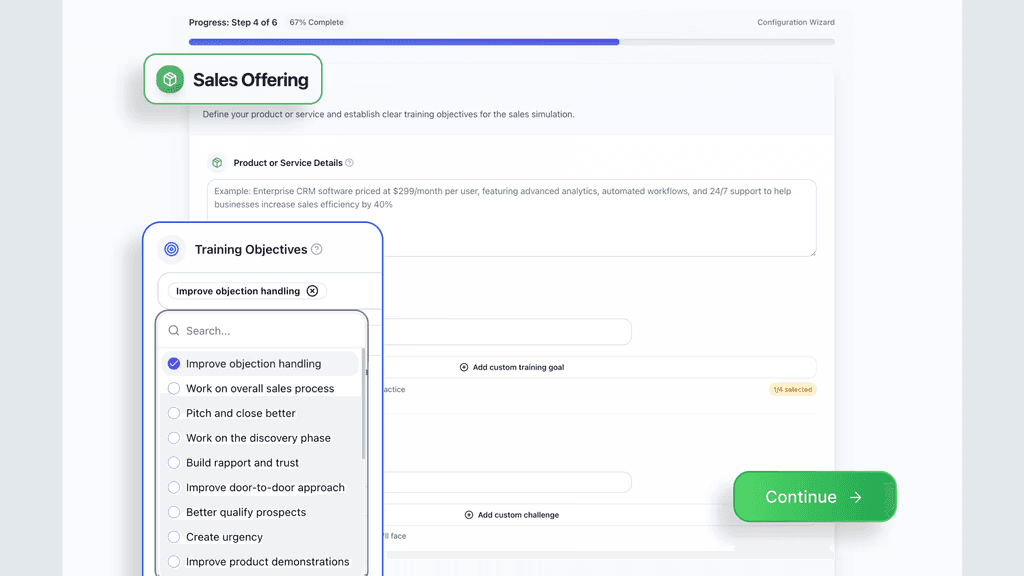
B2B & B2C Training Modes – Switch instantly between enterprise and consumer sales practice, with clear goals around objections, discovery, rapport, demos, and creating urgency.
Objection Library – Prepare for the objections reps hear daily: budgets, technical concerns, competitor mentions, timing challenges, or trust issues. Add unlimited scenarios specific to your industry.
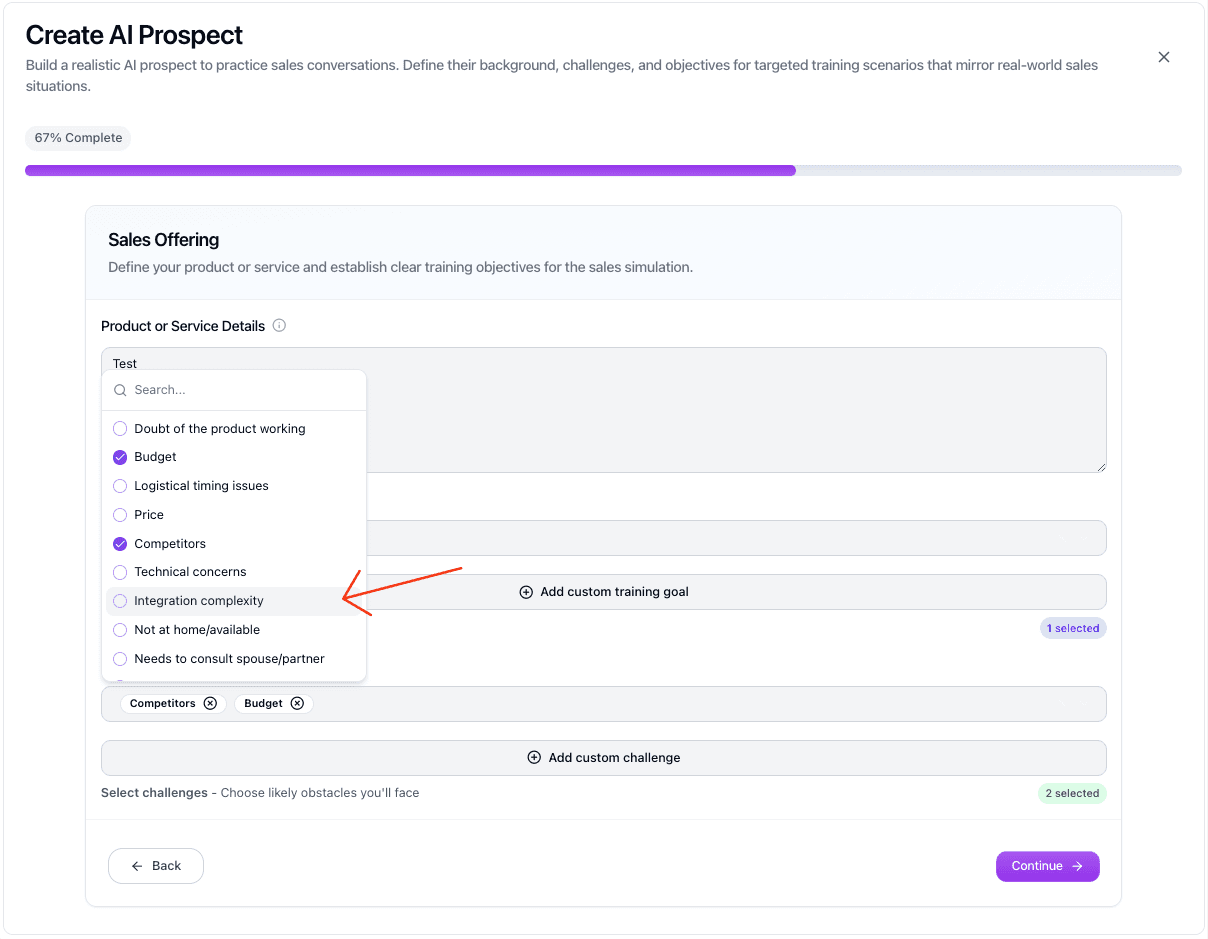
Real-time Scoring & Analytics – Access instant feedback on pacing, talk time, and skill gaps with a depth of data that goes far beyond basic post-call reviews. Individual and team-level data reports track every metric across your organization.
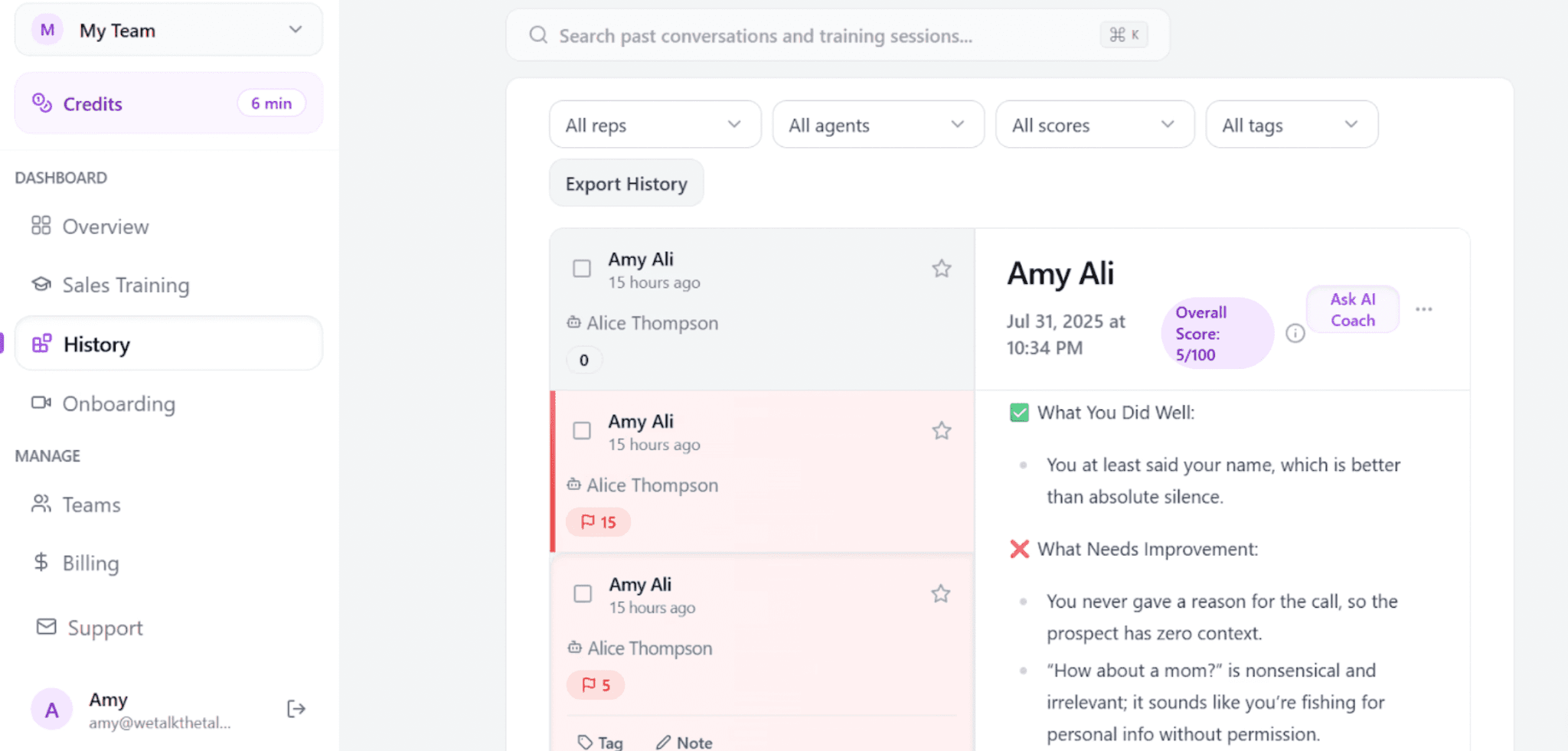
AI Sales Manager – Ask Kendo anything about your sales team:performance, data, metrics, or trends, and get detailed answers instantly. It's like having 100 sales managers watching every rep.
Kendo isn't just roleplay—it's a full enablement solution for screening candidates, tracking development, and giving teams an edge in attracting top performers.
Get started with Kendo using 10 free minutes of roleplay. Pricing begins at $55/mo.
Every plan includes 3 hours of AI training per month, with straightforward pay-as-you-go overages at $0.33 per minute. Teams typically experience a 5–15% boost in close rates—enough to offset the cost in the first month of consistent use.
Why salespeople choose Kendo over other tools
"Not only has my team’s production started to increase but they are becoming more confident on the phones and getting quicker at overcoming the objections"

What else can you do with Kendo?
Beyond core roleplay training, Kendo serves as a comprehensive sales enablement platform.
Use it for screening new hires with standardized assessments, conducting performance reviews with objective AI scoring, and tracking team-wide improvement trends.
The platform also supports both B2B and B2C training modes, making it versatile for any sales organization.
Curious how teams use Kendo in their daily workflow? Check out these roleplay scenarios, complete with sample scripts and coaching tips for clarity.
2) Gong - Enterprise-Grade Revenue Intelligence Platform
Gong is the gold standard for enterprise conversation intelligence and revenue operations. It captures interactions across calls, emails, and meetings, then uses AI to surface deal insights, forecast revenue, and identify coaching opportunities at scale.
Key Features:
Conversation Intelligence: Automatically records, transcribes, and analyzes calls and emails to surface topics, sentiment, and buyer objections.
Revenue Forecasting: Provides AI-driven "unbiased" forecasts by analyzing over 300 signals from actual customer interactions rather than relying solely on manual CRM updates.
Deal Intelligence: Surfaces deal-level risks (e.g., lack of engagement from an economic buyer) and tracks competitive mentions across the pipeline.
Coaching & AI Training: Offers manager dashboards with talk-to-listen ratios and "AI Trainer," which uses actual sales calls to create realistic role-play simulations for rep practice.
Gong Engage: A sales engagement layer that uses generative AI to help reps personalize outreach and prioritize tasks based on deal health.
Enterprise Ecosystem: Deep native integrations with CRMs (Salesforce, HubSpot, Microsoft Dynamics), communication tools (Slack, Zoom, Teams), and dialers.
Considerations before going with Gong:
Pricing is enterprise-only and typically requires substantial annual commitments (often six figures).
While "AI Trainer" now offers pre-call practice, Gong still primarily focuses on post-call analysis; it does not provide live, "in-the-moment" coaching prompts during a call.
Gong's pricing is not public and targets large organizations
Gong requires contacting sales for a custom quote. Most agreements require a 2- to 3-year commitment with 100% upfront annual payments.
Industry estimates place it well above most mid-market tools, with per-user fees plus platform costs. It's best suited for organizations with 50+ reps where pipeline analytics at scale is a strategic priority.
Weighing your options? See how Gong stacks up in our Gong alternatives roundup, or read the direct Kendo vs Gong comparison.
3) Fathom - Best Free Option for Individual Call Recording
Fathom is a highly-rated AI meeting assistant designed to automate note-taking and centralize meeting intelligence. It is widely recognized for its generous free tier and its ability to provide nearly instantaneous structured summaries and action items once a meeting concludes.
Key Features:
Cross-Platform Support: The free plan now includes unlimited recording and transcription for Zoom, Google Meet, and Microsoft Teams.
Instant AI Summaries: Generates structured notes, key takeaways, and action items available within 30 seconds of the call ending.
Ask Fathom: A ChatGPT-like interface that allows users to query their meeting history (e.g., "What were the client's budget concerns?") across single or multiple calls.
Call Highlighting & Clips: Enables users to bookmark moments in real-time and create short video clips to share via Slack or email.
Native Integrations: Connects directly with Slack, Notion, and Asana to turn meeting insights into trackable tasks.
AI Scorecards: (Paid Feature) Automatically grades calls against custom criteria to identify coaching moments and track rep performance.
Considerations before going with Fathom:
Automatic syncing of summaries to Salesforce, HubSpot, or Close CRM requires a paid Team or Business plan.
The "Fathom Notetaker" joins calls as a visible participant, which may require manual admission or prior notification to meeting guests.
Fathom starts free, with paid plans from ~$19/user/month, 2-user min
Free plan offers unlimited recordings and basic summaries, while Premium and Team ($19–$20/user) add advanced AI and search. The Business plan ($34/user) unlocks CRM field syncing and AI coaching scorecards.
4) Fireflies.ai - Affordable Transcription with Broad Integrations
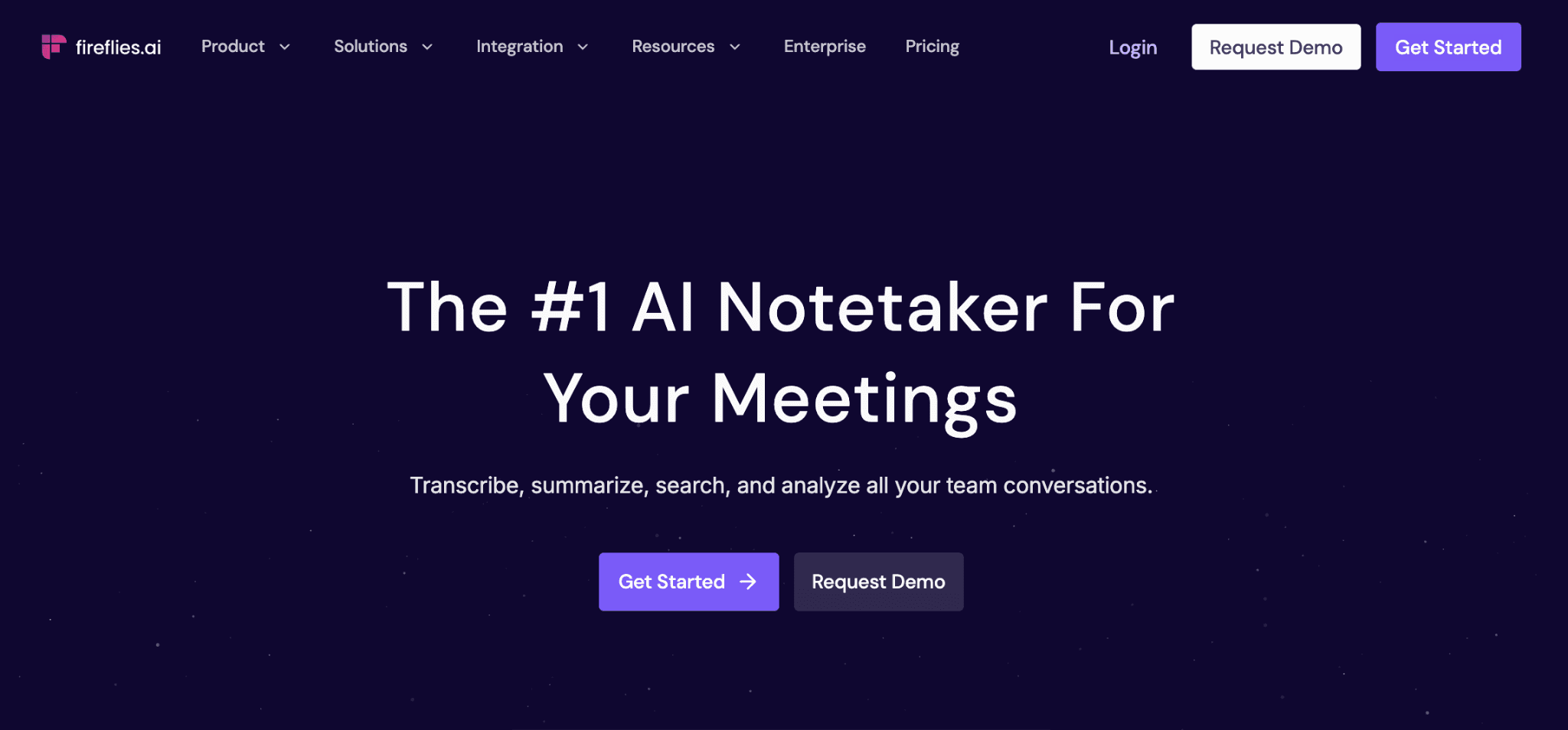
Fireflies.ai is a versatile meeting assistant known for its vast integration ecosystem and multi-language support. It automates the capture of voice and video across various platforms, converting conversations into searchable data that syncs directly with project management and CRM tools.
Key Features:
Broad Integrations: Connects with 40+ platforms, including Salesforce, HubSpot, Slack, and Asana, to automate data entry and task creation.
Global Language Support: Supports transcription in 100+ languages with custom vocabulary to handle industry-specific jargon.
AskFred AI Assistant: A conversational interface that allows users to query meeting history, generate follow-up emails, or summarize specific discussions.
Conversation Intelligence: Provides metrics on talk-time, sentiment, and silence, alongside "AI Skills" for automated qualitative analysis.
Video Recording: (Business/Enterprise) Captures full video of meetings in addition to audio and transcripts.
Voice Agents: Deployable AI agents that can perform specific tasks or workflows based on meeting triggers.
Considerations before going with Fireflies.ai:
No sales coaching, call scoring, or AI roleplay features.
Not designed specifically for sales teams—it's a general-purpose transcription tool.
Analytics lack the depth of dedicated revenue intelligence platforms.
Fireflies.ai starts free, with Pro plans from $18/user/month
The free plan includes unlimited transcription with limited AI summaries & 800 mins of storage/seat. Paid plans unlock unlimited transcription, AI summaries, with 8,000 mins of storage/seat.
5) tl;dv - Free Unlimited Recording with Video Clip Sharing
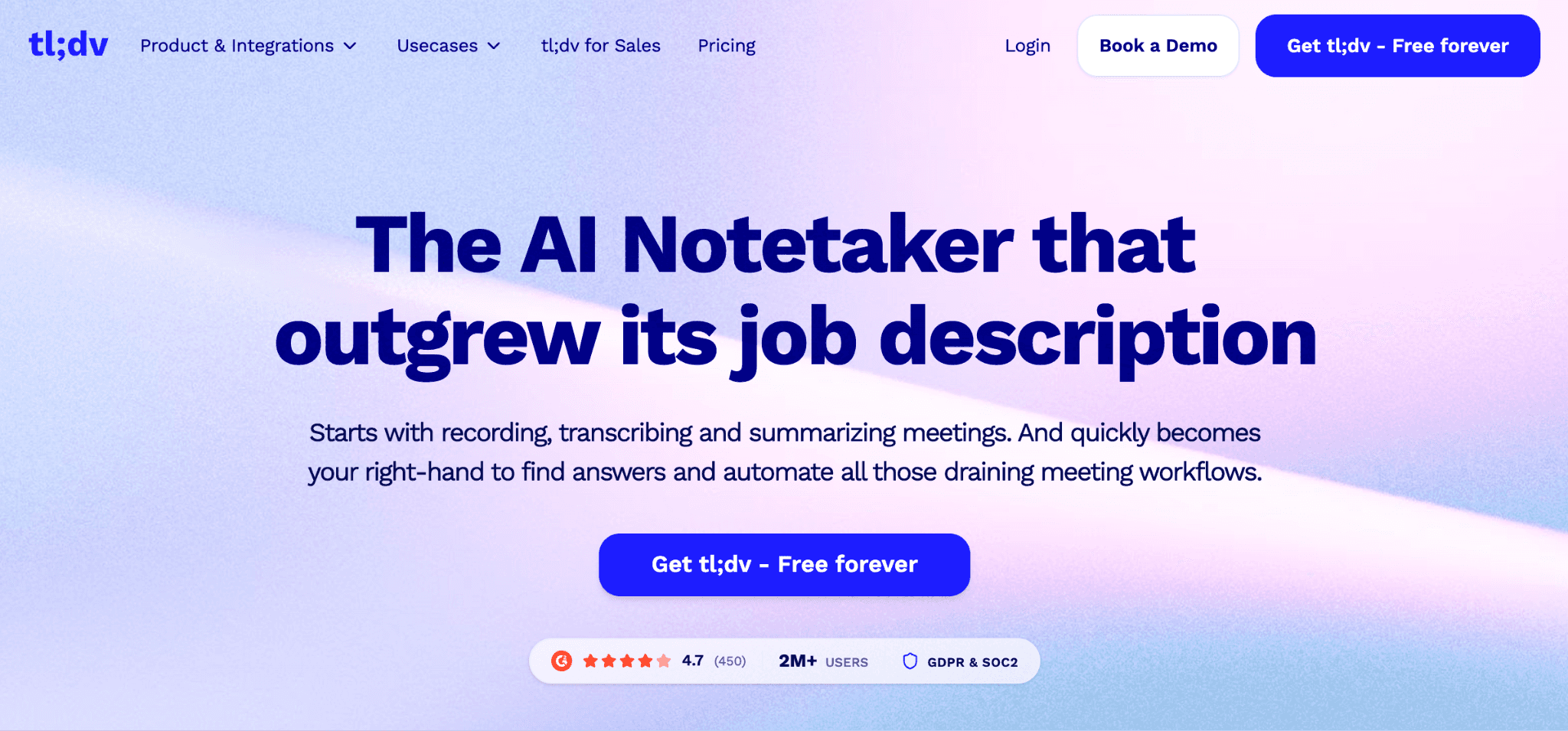
tl;dv provides a high-utility free tier for recording and transcribing meetings on Zoom, Google Meet, and Microsoft Teams. Its core value lies in "meeting democratization"—allowing teams to create a searchable library of calls and share specific "bite-sized" video clips with stakeholders to eliminate the need for long follow-up meetings.
Key Features:
Unlimited Free Recording: Record and transcribe an unlimited number of calls at no cost.
Video Clip Creation: Highlight specific moments during or after a call to create shareable snippets for coaching or documentation.
40+ Language Support: Transcription and translation are available in over 40 languages and various dialects.
AI Meeting Summaries: Automatic extraction of key takeaways, action items, and notes using customizable AI templates.
CRM Integrations: Seamless syncing with Salesforce, HubSpot, Pipedrive, and Slack (available on paid plans).
Async Collaboration: Tag colleagues in specific timestamps or share highlights directly to productivity tools.
Considerations before going with tl;dv:
Analytics focus on meeting engagement and speaker insights but are less granular than specialized revenue intelligence platform
The free plan is robust but restricts advanced AI features, such as multi-meeting reports and CRM automation.
tl;dv starts free, with Pro plans from $29/user/month
The free plan is genuinely generous—unlimited recording and transcription. Paid tiers add CRM integrations and advanced features.
6) Chorus by ZoomInfo - Deal Intelligence for ZoomInfo Users
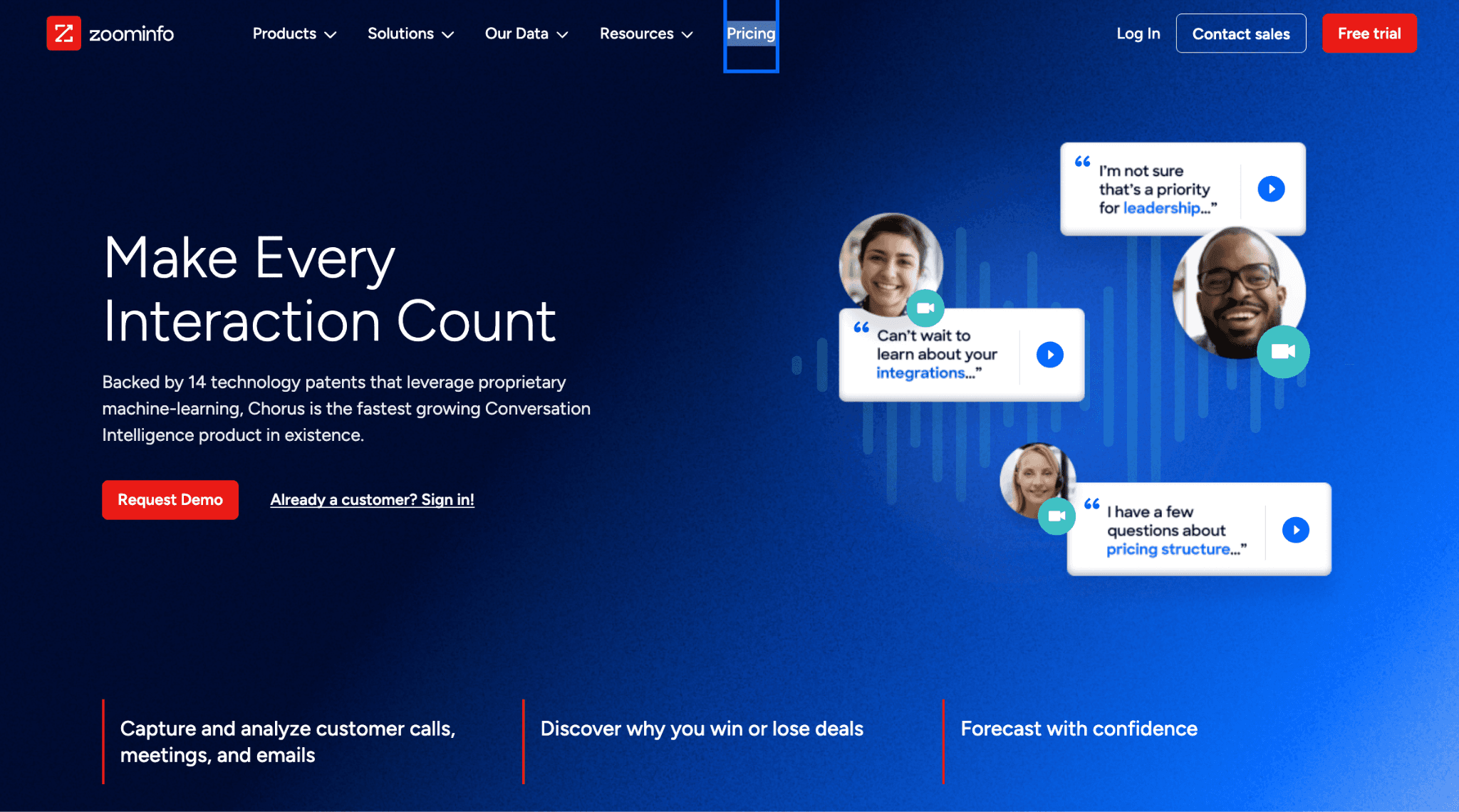
Chorus is an enterprise-grade conversation intelligence platform that integrates directly with ZoomInfo’s B2B database. It transforms sales meetings into actionable data, helping teams analyze what top-performing reps do differently to close deals.
Key Features:
Call Transcription & AI Analysis: Automated recording and transcription for video and voice calls with AI-driven sentiment and keyword tracking.
Deal Momentum Tracking: Analytics that flag at-risk opportunities and track deal progression across the entire sales cycle.
ZoomInfo Data Enrichment: Uniquely combines conversation insights with real-time firmographic data (e.g., company revenue, industry, and contact roles).
Sales Coaching & Onboarding: Features call libraries (Playlists), performance scorecards, and manager review workflows to reduce ramp time.
Competitive Tracking: Automatically identifies competitor mentions and maps them to win/loss outcomes.
Native CRM Integration: Seamlessly syncs meeting summaries, action items, and data fields to Salesforce and HubSpot.
Considerations before going with Chorus:
Most valuable when paired with ZoomInfo's broader platform, which adds significant cost.
While it provides excellent post-call insights, it does not offer AI-simulated roleplay or live in-call coaching prompts.
Chorus pricing is custom and tied to ZoomInfo packages
Chorus is typically bundled with ZoomInfo subscriptions. Standalone pricing requires a sales conversation. It's best for teams already invested in the ZoomInfo ecosystem.
7) Clari Copilot (formerly Wingman) - Real-Time In-Call Coaching
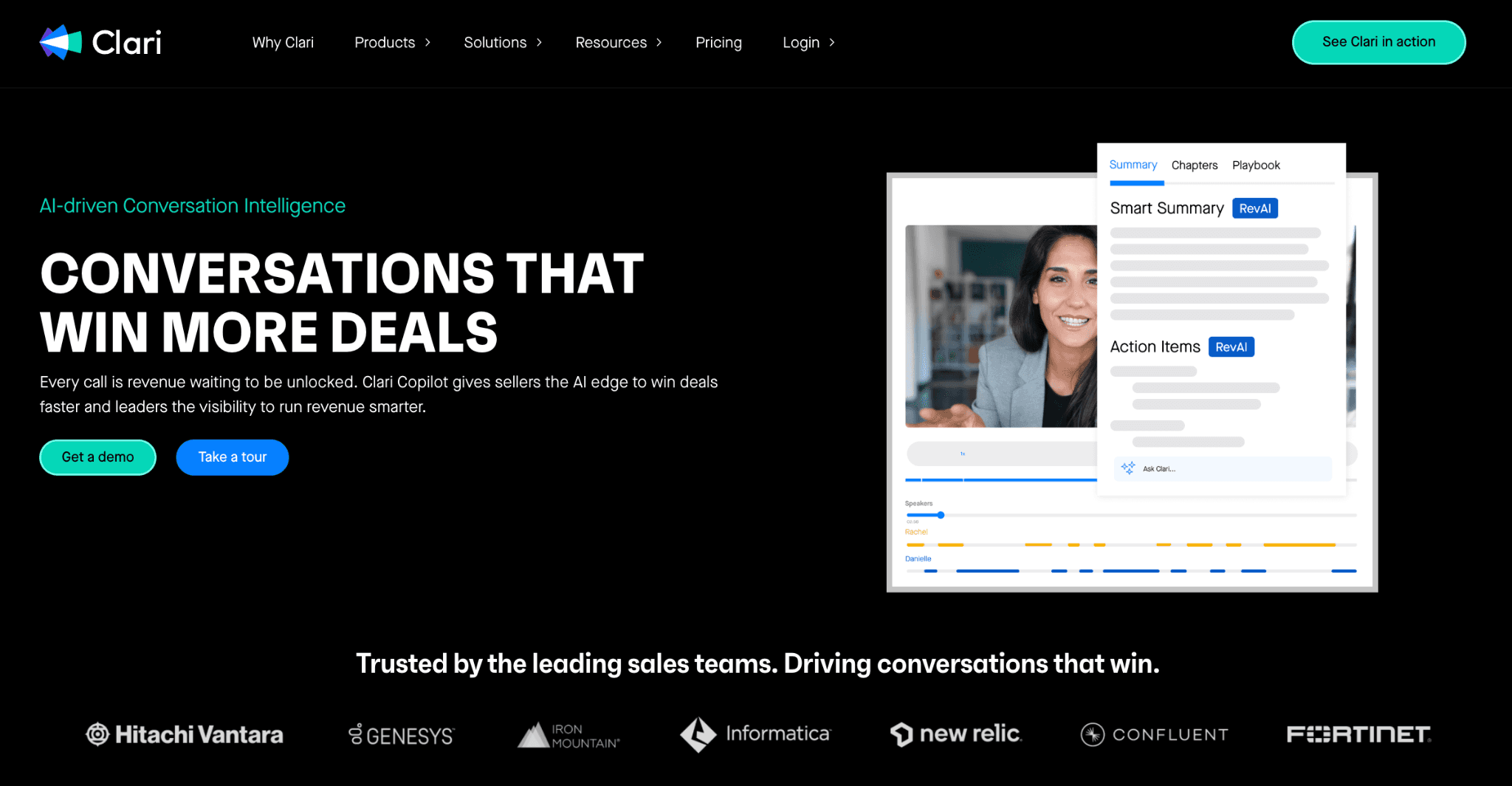
Acquired by Clari in 2022, Clari Copilot (formerly Wingman) is a conversation intelligence platform that focuses on live, AI-driven guidance. It is designed to assist sales teams during active calls rather than solely providing post-call analysis.
Key Features:
Live Battlecards: Real-time cue cards that trigger based on specific keywords or competitor mentions, providing reps with instant talk tracks and intel.
Monologue Alerts: Visual cues that notify representatives when they have been speaking for too long, encouraging better engagement and listening.
AI-Generated Summaries: Automatic capture of call recordings and transcripts, paired with AI summaries that highlight key action items.
Smart Battlecards (RevAI): A feature allowing users to upload documents (PDFs, slide decks) which the AI then converts into concise, actionable talking points for calls.
Gametapes: A library of curated call snippets used for onboarding and sharing "winning moments" across the team.
CRM Integration: Automatic logging of call data, contacts, and next steps into platforms like Salesforce, HubSpot, and Pipedrive.
Considerations before going with Clari Copilot:
Pricing has increased significantly post-acquisition; it now follows a tiered structure
Users report integration challenges and a steep learning curve following the platform consolidation.
Clari Copilot pricing is not publicly disclosed and requires a custom quote from their sales team
While costs have risen since the Clari acquisition, the platform now uses a tiered structure that bundles "RevAI" and "RevDB" features without extra platform fees for integrations or support.
8) MeetGeek - Simple AI Meeting Assistant for All Teams
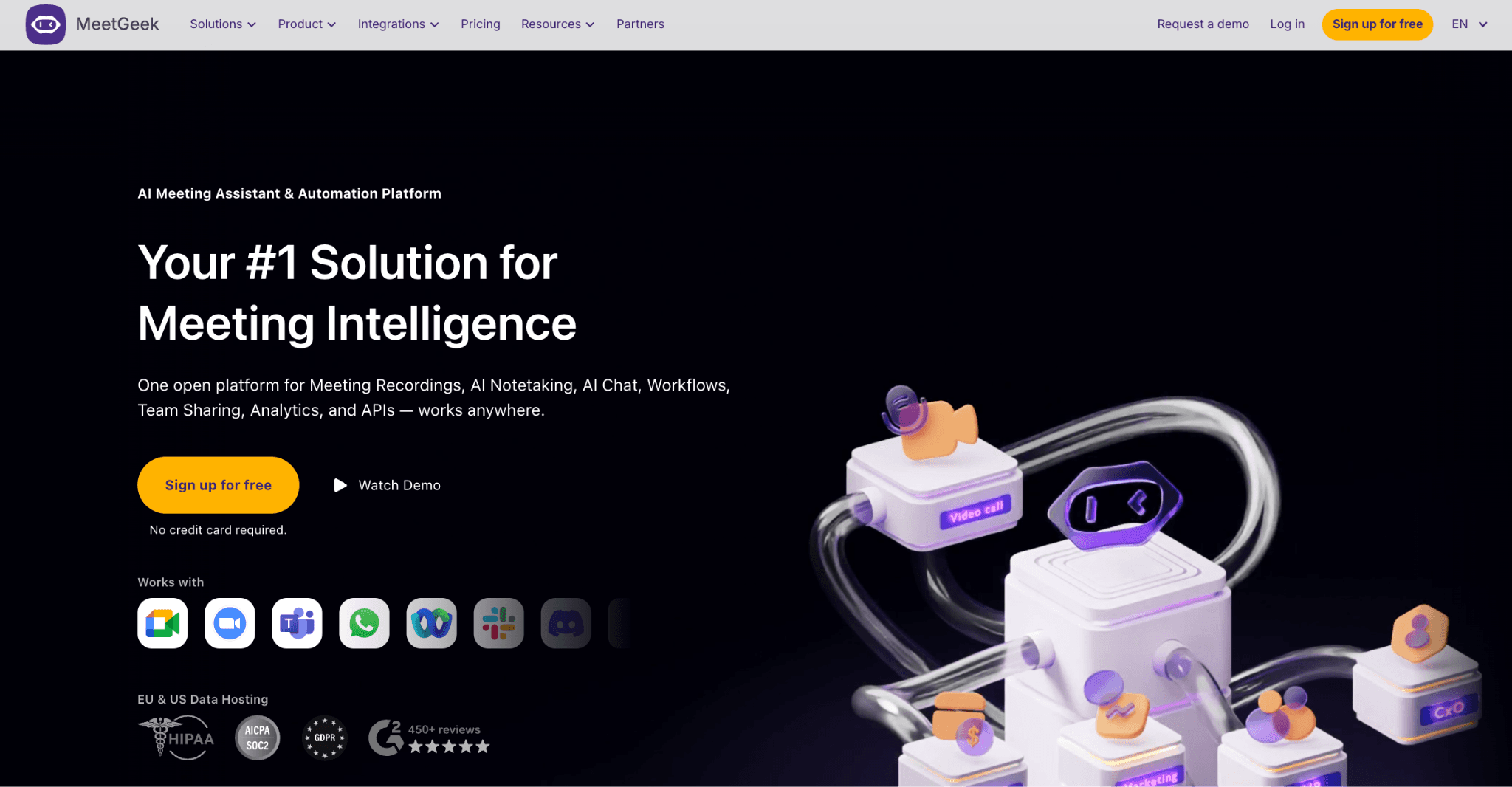
MeetGeek is an automation-focused meeting assistant designed to streamline documentation. It automatically records, transcribes, and summarizes calls across Zoom, Google Meet, and Microsoft Teams, allowing participants to focus on the conversation.
Key Features:
Auto-Template Application — Uses AI to identify meeting types (e.g., sales, interviews) and automatically applies specialized summary formats.
AI Meeting Summaries — Generates instant highlights, action items, and searchable transcripts with speaker identification.
Hybrid Recording Options — Supports both a calendar-synced notetaker bot and a botless Chrome extension for browser-based recording.
Workflow Automation — Automatically sends post-meeting follow-up emails and syncs notes to CRMs and task tools like Slack or Trello.
Meeting Analytics — Tracks over 100 KPIs, including talk time, sentiment analysis, and participation metrics.
Multilingual Capability — Provides transcription and automatic language detection for 50+ languages.
Considerations before going with MeetGeek:
Dashboard is analytics-heavy and may feel cluttered for users seeking a minimalist interface.
Lacks built-in AI roleplay, custom sales scorecards, or active real-time coaching features.
Transcripts may require manual refinement in environments with heavy background noise or overlapping speech.
MeetGeek starts free, with paid plans from $15.99/user/month
Free plan includes limited monthly transcription minutes. Paid plans start from $15.99/user/mo to $27/user/mo and unlock longer storage, branding options, and team collaboration features. Enterprise pricing is custom.
9) Circleback - Clean UX with Botless Recording
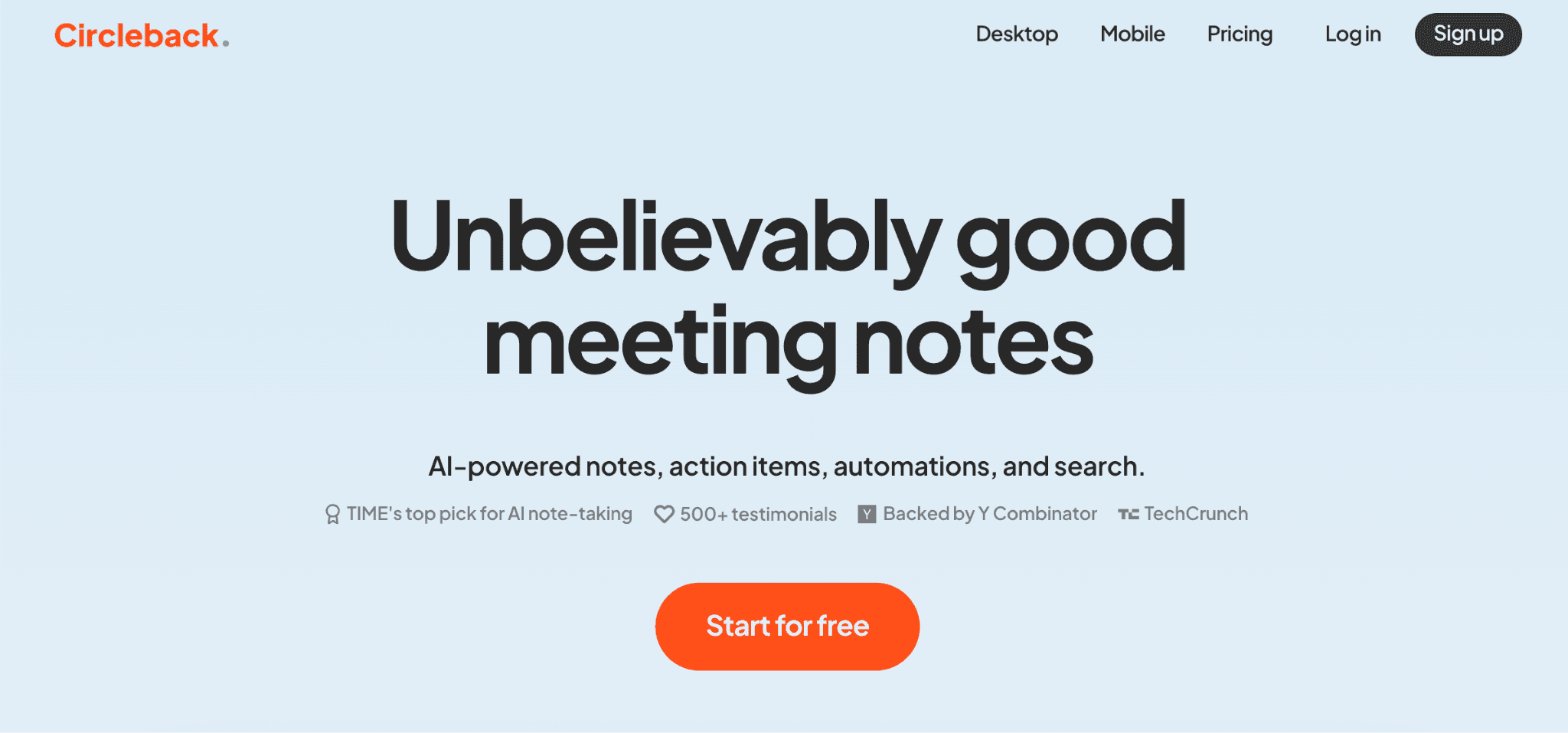
Circleback distinguishes itself by offering a botless recording experience through its native desktop apps, ensuring no AI bot enters your meeting unless you explicitly choose that method. It focuses on high-accuracy transcription and seamless workflow automation.
Key Features:
Flexible Recording Options: Choose between a Desktop App (macOS/Windows) for botless recording (captures system audio/screen without a visible participant) or a traditional Join-in Bot for automated calendar integration.
AI Meeting Notes: Generates structured summaries, categorized action items, and searchable transcripts with automated speaker identification.
Agentic Search: A cross-platform search feature that allows you to ask natural language questions across your entire conversation history to find specific insights or recurring themes.
CRM & Workflow Automations: Native, automated updates for HubSpot, Salesforce, Attio, Slack, Notion, Linear, and Zapier.
100+ Language Support: Comprehensive multilingual transcription and the ability to generate notes in a different language than the one spoken in the meeting.
MCP Server Support: Recently launched (January 2026), the Model Context Protocol (MCP) server allows you to connect Circleback as a data source for AI tools like Claude, ChatGPT, Cursor, and Raycast.
Considerations before going with Circleback:
A productivity-first tool. It focuses on note quality and workflow automation rather than sales coaching analytics, call scoring, or AI roleplay.
No free plan; starts at $25/month.
Circleback pricing starts at $25/month individual, $30/seat/month for teams
All plans include unlimited meetings. Team plans add collaboration features and shared automations. A 7-day free trial is available. Enterprise plan is custom.
10) Otter.ai - Budget Baseline Transcription Tool
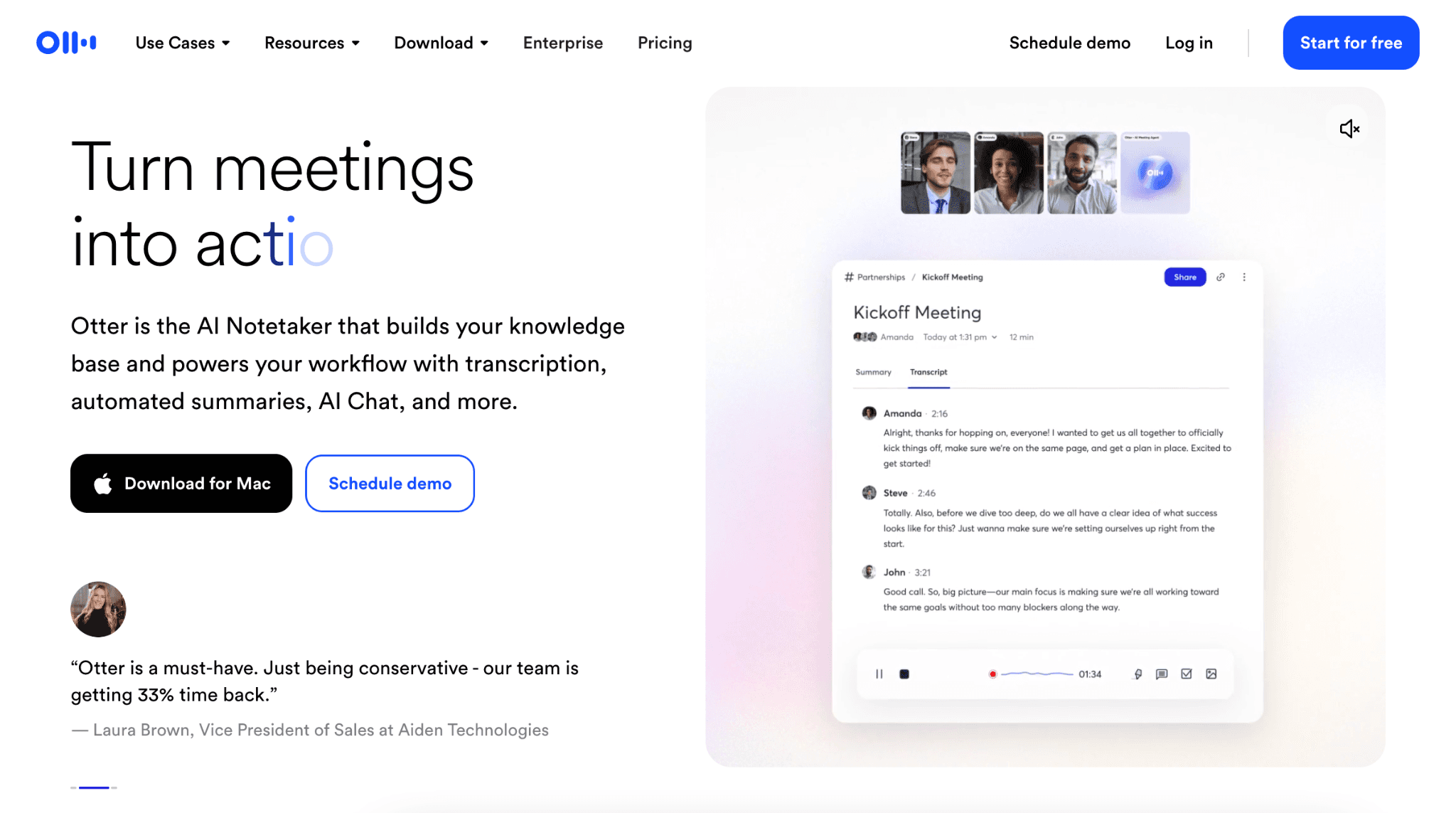
Otter.ai provides real-time transcription, automated summaries, and live captions. While it is a popular entry point for meeting documentation, its free tier has become more restrictive in recent years, focusing on individual use rather than heavy meeting schedules.
Key Features:
300 Monthly Transcription Minutes — The Basic (Free) plan provides 300 minutes per month; minutes do not roll over.
OtterPilot — Automatically joins, records, and transcribes meetings from your calendar.
AI Meeting Summaries — Generates automated outlines and action items immediately after the meeting.
Automated Slide Capture — Snaps images of shared presentation slides and inserts them into the transcript.
Otter AI Chat — Allows users to ask questions about the meeting in real-time or retrieve info from past transcripts.
Multi-Language Support — Officially supports transcription in English, French, and Spanish.
Considerations before going with Otter.ai:
The free plan is limited to a 30-minute transcription cap per meeting and only 3 lifetime audio/video file imports.
ree users can only view their 25 most recent conversations.
Otter.ai starts free, with paid plans from $16.99/user/month
The free plan covers most basic transcription needs. Paid plans start from $16.99/user/mo to $30/user/mo and add longer recording limits, admin controls, and team features. Enterprise plans require scheduling a demo.
11) Grain - Deep HubSpot Integration for Sales Teams
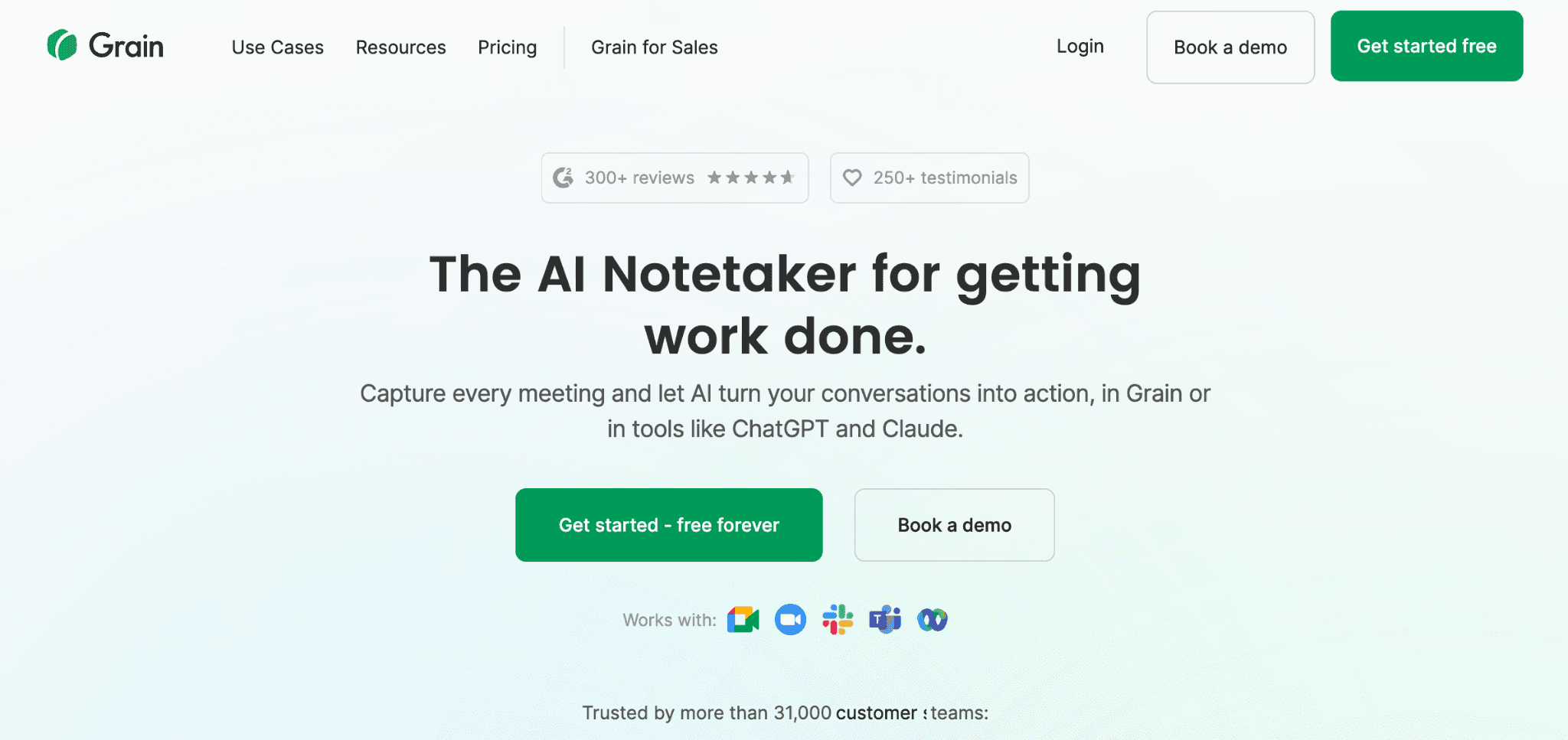
Grain automates meeting documentation by recording video calls and syncing actionable insights directly into your workflow. It is particularly effective for teams relying on HubSpot or Salesforce to maintain a single source of truth.
Key Features:
Automated CRM Sync: Automatically logs recordings and meeting notes to HubSpot/Salesforce deal records; updates CRM properties and creates tasks from action items.
Video Clips & Stories: Highlight and share specific call moments with stakeholders or use them to build coaching libraries.
AI-Powered Insights: Features automatic topic tracking and "Ask AI," which allows users to query their entire meeting history for specific answers.
Sales Coaching: Provides managers with AI-generated feedback and performance insights to help improve team closing rates.
Searchable Library: Centralizes all recordings in an organized, searchable archive for cross-team knowledge sharing.
Considerations before going with Grain:
Most valuable for HubSpot-heavy teams; less differentiated for other CRM users.
Grain focuses on live call intelligence and coaching rather than simulated AI roleplay training.
Grain starts free, with Starter plans from $19/user/month
Free plan includes basic recording and sharing with duration limits. Paid plans start from $19/per seat/mo to $39/seat/mo, with unlimited duration and storage, CRM integrations, advanced analytics, admin controls, and team features. Enterprise plan requires contacting sales.
12) Fellow - Meeting Governance and Productivity Tool
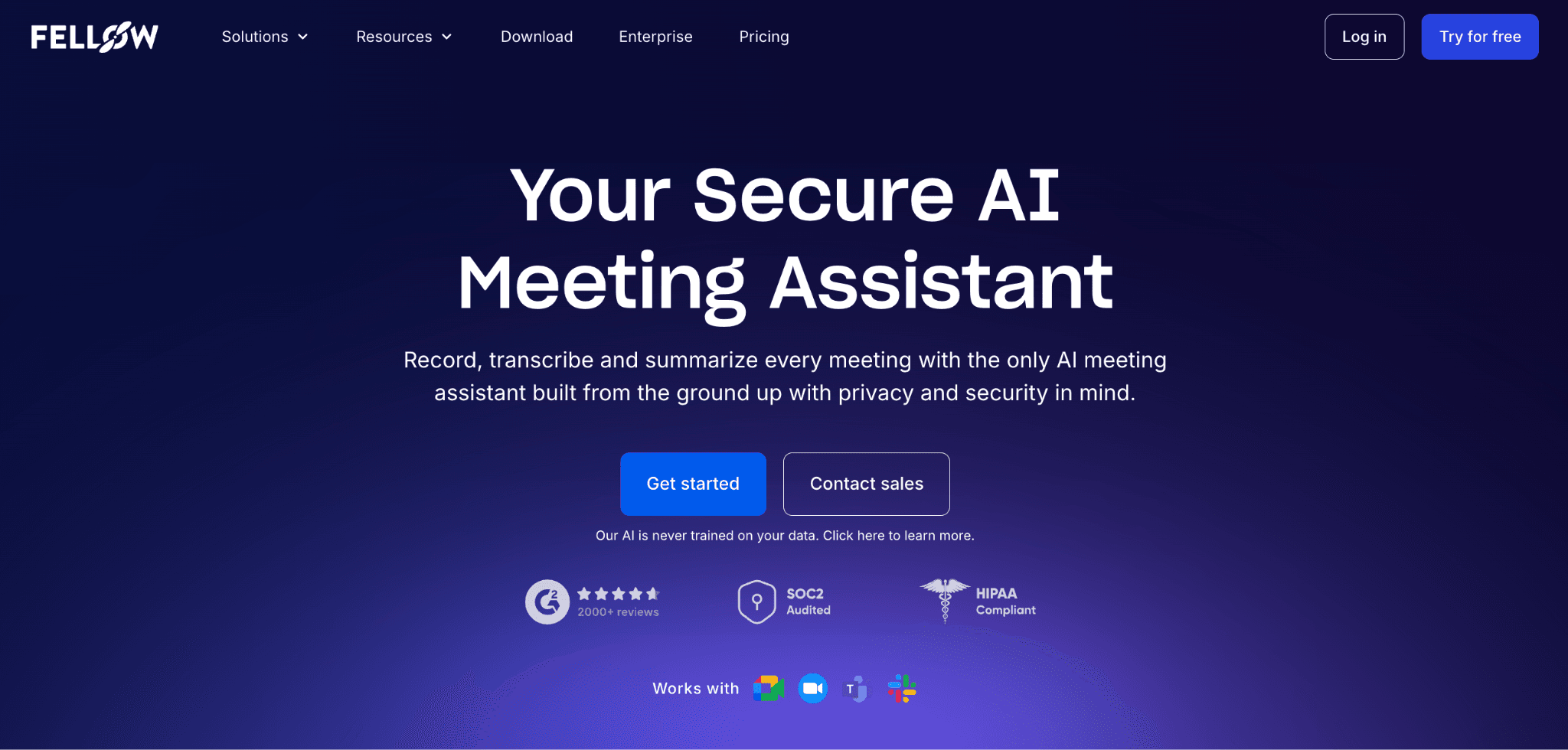
Fellow is an all-in-one AI meeting assistant designed to manage the full meeting lifecycle—from collaborative preparation to automated documentation and organizational governance.
Key Features:
Collaborative Agendas: Shared talking points and 500+ templates to ensure meetings have a clear purpose and structure.
AI Meeting Notes & Summaries: Automatically generates transcripts, high-level summaries, and key decisions in over 90 languages.
Dual Recording Modes: Offers both Bot (visible participant with video) and Botless (discreet device-level audio capture) recording under a unified security framework.
Action Item Tracking: AI-extracted tasks with assigned owners and due dates that sync bi-directionally with project management tools.
Admin Governance: Centralized controls for recording policies (e.g., auto-record internal only), data retention rules, and sensitive data redaction.
Meeting Feedback: Built-in tools for post-meeting ratings and anonymous surveys to improve meeting culture.
Deep Integrations: Native connectivity with Slack, MS Teams, Zoom, Google Meet, and 50+ tools including Jira, Asana, Salesforce, and HubSpot.
Considerations before going with Fellow:
While it captures sales calls, it does not provide revenue-specific analytics like deal-risk scoring, competitor mentions, or sales coaching playbooks.
Analytics focus on meeting health (e.g., time spent in meetings, punctuality) rather than revenue or pipeline metrics.
Fellow offers a free plan, pricing starts from $7/user/mo
One of the most affordable options. Pricing scales with team size and feature needs. Business plan starts at $15/user/mo with unlimited AI features.
13) Demodesk - Sales Coaching Meets Conversation Intelligence
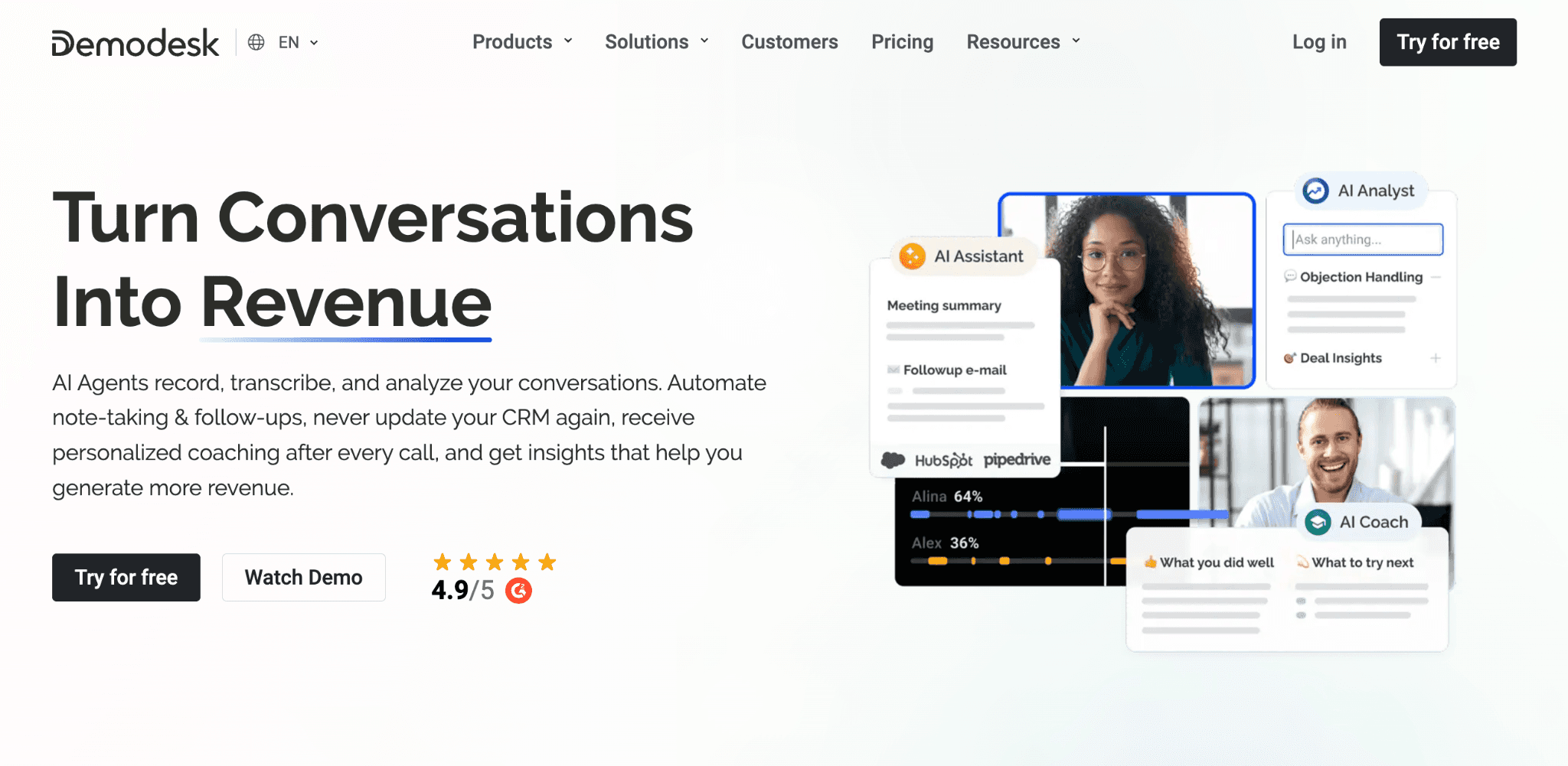
Demodesk positions itself at the intersection of meeting intelligence and sales coaching. It offers AI-powered call scoring using proven frameworks like SPICED and MEDDIC alongside standard recording and transcription.
AI Coaching Scorecards: Automatically evaluates every call using structured frameworks like MEDDIC, SPICED, and BANT. AI pre-fills these scorecards to save managers time and provide reps with instant, objective feedback.
Real-Time Playbooks: Provides reps with "in-the-moment" guidance, battle cards, and talk tracks during live meetings to handle objections and follow the sales process.
Zero-Touch CRM Automation: Uses AI to automatically update CRM fields (Salesforce, HubSpot, Pipedrive) and sync detailed meeting notes with 99% accuracy.
Manager Dashboards: Offers "X-Ray vision" into team performance, tracking conversational metrics (talk-to-listen ratios, monologues) and identifying successful messaging patterns across the pipeline.
Multilingual Intelligence: Supports recording, transcription, and AI analysis in 98 languages, specifically optimized for global and EMEA-based teams.
Meeting Automation: Includes branded scheduling links, automated lead routing, and instant follow-up email generation.
Considerations before going with Demodesk:
Primarily targets growing B2B sales and success teams that require high-tier CRM automation and GDPR compliance.
Focuses on real-time assistance and post-call analysis; it does not currently offer a standalone AI roleplay/simulated training environment.
Demodesk offers a free plan; coaching & AI plan starts at $59/mo
Demodesk offers a Coaching & AI plan at $59/user/month (or $49 billed annually) for recording, AI scoring, and CRM syncing. A Free Viewer license is available for reporting, while Enterprise plans offer custom pricing and dedicated support for larger teams.
14) Sembly AI - AI Document Generation from Meetings
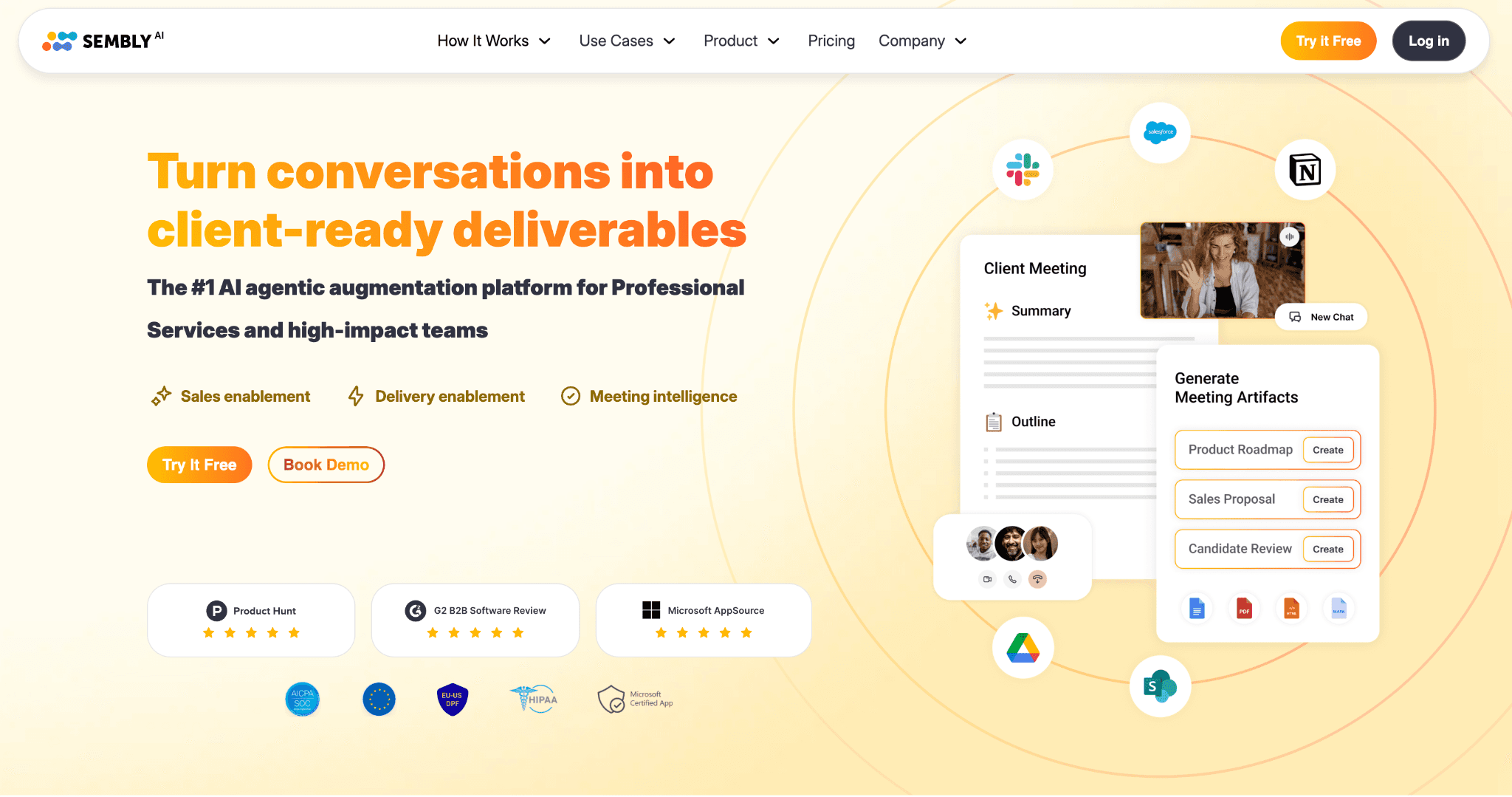
Sembly AI transforms meeting conversations into professional-grade business documents. Unlike standard note-takers, it uses its "Semblian 2.0" engine to draft sales proposals, project briefs, and onboarding documents directly from call transcripts. It also automates the follow-up process by identifying and assigning tasks with clear deadlines.
Key Features:
AI Artifact Generation: Automatically creates structured documents (proposals, contracts, meeting minutes) based on discussion content.
Automated Task Extraction: Detects action items, assignees, and due dates; syncs seamlessly with CRMs and project management tools.
Semblian Chatbot: A "ChatGPT-style" assistant that lets you query specific meetings or your entire history for decisions and insights.
Multi-Platform Recording: Works with Zoom, Google Meet, Teams, and Webex with "pause/resume" and "invite-on-demand" capabilities.
Professional Exporting: Save AI-generated documents and meeting notes directly to PDF or Microsoft Word.
Considerations before going with Sembly AI:
Lacks specialized sales coaching tools like performance scorecards, talk-ratio analytics, or roleplay modules.
While excellent for drafting, generated documents typically require a final human review for legal or brand nuances.
Sembly AI offers a free trial; plan starts at $17/mo
While the Pro plan costs $29/user/month for teams needing multi-meeting AI chat and document generation. For larger organizations, the Max plan is $39/user/month, adding HIPAA compliance, HD recording, and unlimited meeting history.
From Analysis to Preparation: Why AI Roleplay is the New Sales Standard
The conversation intelligence landscape is evolving. While most tools excel at recording and analyzing past performances, Kendo.ai represents a strategic shift toward proactive skill development.
Traditional platforms act like a high-definition "game film," offering invaluable insights into what happened during a meeting. However, Kendo focuses on what happens before the meeting starts.
Think about it this way. Avoma and its competitors are like watching game film after you've already lost. That's valuable for professional athletes who have hundreds of games ahead—but sales reps working live leads don't get do-overs on the ones they burned during ramp-up.
AI-powered sales roleplay flips this entirely. Instead of learning from mistakes on live calls, reps practice against realistic AI prospects that simulate real-world objections, personality types, and buying scenarios.
The Kendo Advantage: Practice Over Post-Mortems
Stop Wasting Leads: Instead of "learning on the job" with live prospects, reps arrive prepared. United Insurance Pros saw a dramatic drop in burned leads after making Kendo practice mandatory before live calls.
Slash Ramp Times: Globe Life new hire close rates jumped from ~33% to 60%+ because reps had already navigated real-world objections in the simulator.
Drive Peak Performance: Consistent practice yields compounding results. Skvarla Insurance saw team production rise 5–20%, with one top performer doubling their output in a single month.
Maintain Elite Skills: High performance requires upkeep. Airbnb Takeoff requires even veteran cold callers to complete one hour of Kendo practice daily to stay sharp.
The Bottom Line: While other tools compete over who records and analyzes calls better, Kendo competes on who makes your reps better before the call even starts.
The Verdict: Which Avoma Alternative Should You Choose? (Our Top 3 Picks)
Kendo AI – Best for teams wanting to actually improve rep skills with realistic AI roleplay, transparent $55/month pricing, and documented results (doubled close rates, 75% faster ramp times). The only platform that trains reps before they touch live leads.
Gong – Best for enterprise organizations (50+ reps) needing deep revenue intelligence, pipeline analytics, and forecasting. Expensive but unmatched for large-scale revenue operations.
Fathom – Best free option for individuals or small teams who need basic call recording and summaries without committing to a paid tool.
The right alternative ultimately depends on your team's size, budget, and what problem you're actually trying to solve.
If your calls aren't being documented, tools like Fathom, Fireflies.ai, or tl;dv will handle recording at low cost. If you need enterprise pipeline visibility, Gong is the standard.
But if your real problem is that reps aren't skilled enough—if new hires are burning leads, ramp times are too long, and coaching isn't scaling—then passive recording tools won't fix it. You need a platform that actively trains your team.
For most sales organizations looking for immediate, measurable improvement, Kendo's realistic AI roleplay, structured practice, and results-driven coaching make it the standout choice among Avoma alternatives.
Ready to see how Kendo can transform your sales training? Book a personalized demo or explore our customer stories to learn more.
Luke Alexander is a sales leadership expert with over a decade of hands-on experience in B2B sales management, team training, and revenue growth strategies. He specializes in building high-performing sales teams through data-driven coaching methodologies.
Related Articles
View all